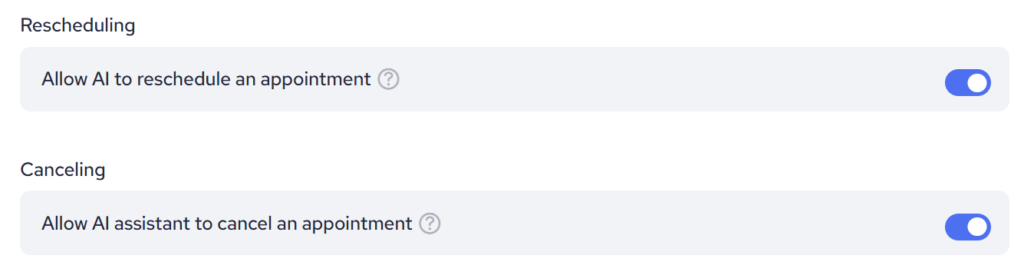
The AI Assistant in Inbox can now be customised with conditions that dictate when and how appointments can be scheduled. These conditions serve as training materials for the AI, enhancing its ability to accurately manage booking requests based on predefined rules.
To set up conditions for the AI Inbox Assistant, follow these steps:
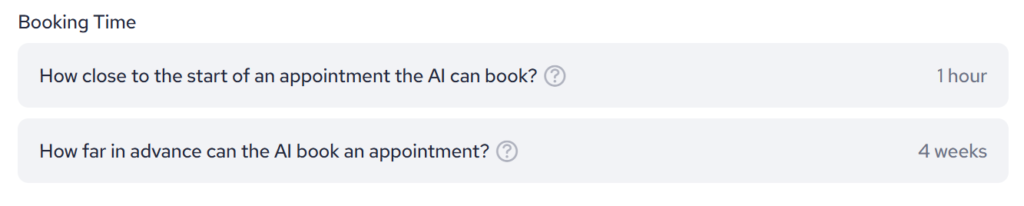
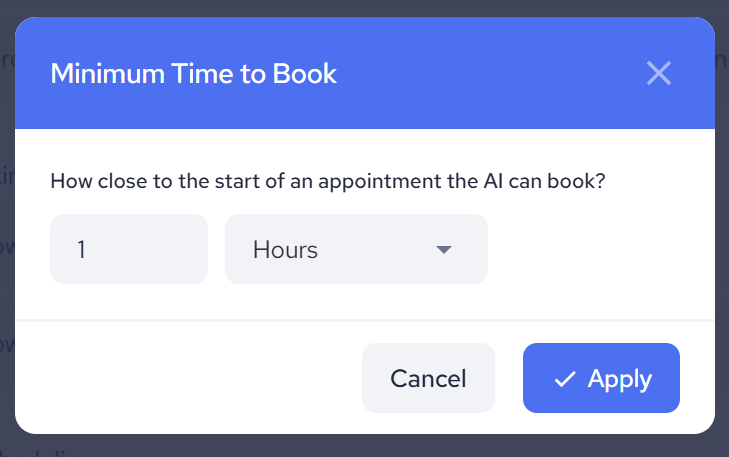
By clicking on one of these options you will get a chance to choose:
Minimum Time to Book:
Configuring Maximum Time to Book:
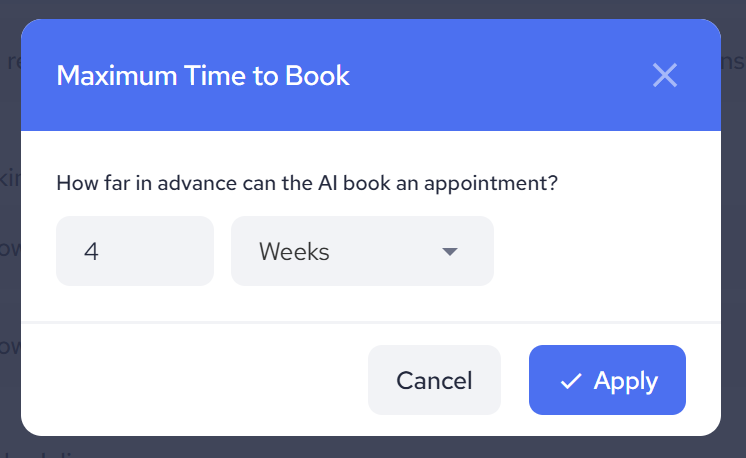
Applying Conditions for Training: Once configured, the values set for minimum and maximum booking times will be displayed in their respective input fields. These configurations serve as training data for the AI Booking Assistant, guiding its decision-making process when scheduling appointments.
Setting conditions for the AI Booking Assistant in Inbox enhances its functionality by allowing users to define when appointments can be booked relative to the current time.
In addition to this, there are two switches available to allow you to give the AI permission to handle requests for rescheduling or canceling booked appointments. Each option has its own dedicated switch for managing these commands.