
Facebook:
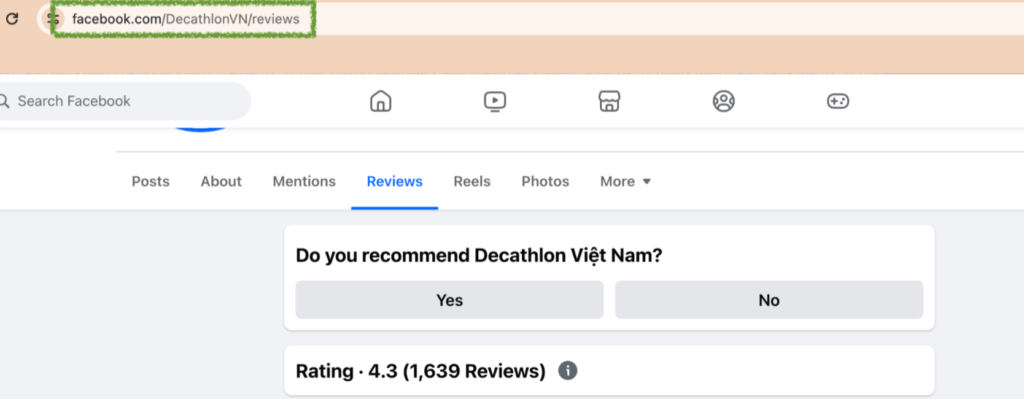
Open the Facebook page for your business and click on Reviews then copy the URL from your browser’s address bar.
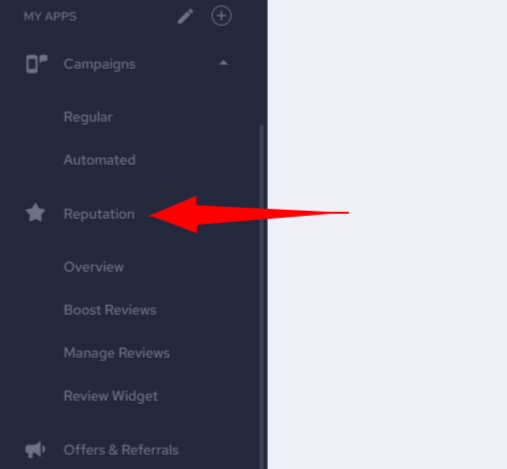
First, click on Reputation on the left side in your account.
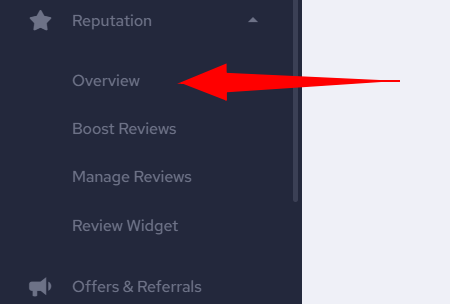
Then click Overview.
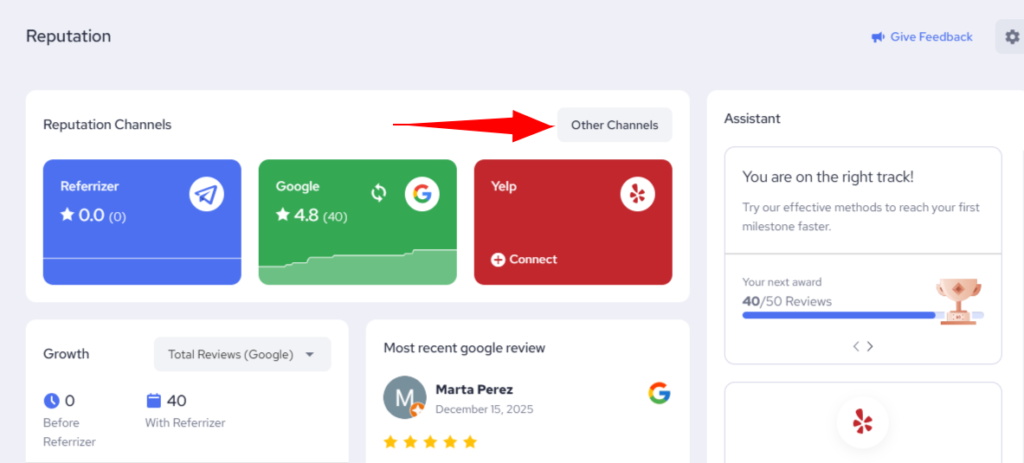
Next, click Other Channels:
Paste the link in the text field under Facebook and click Save Changes.
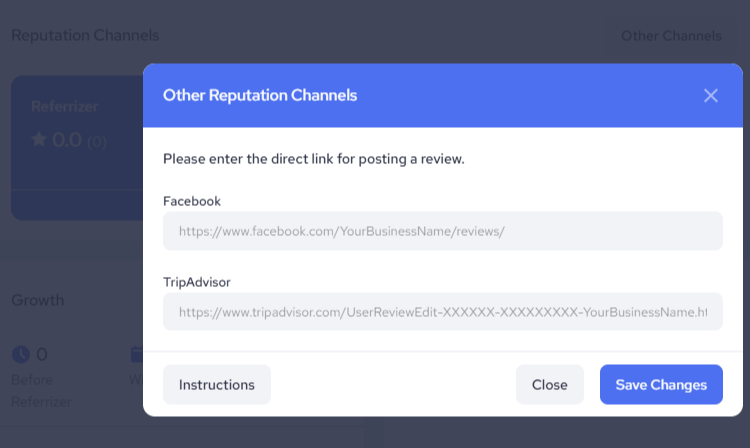
Note: Your customers can now leave reviews on your Facebook page (if that option is selected in your settings).
TripAdvisor
Open the TripAdvisor page for your business and click on Review, then select Write a Review, then copy the URL from your browser’s address bar.
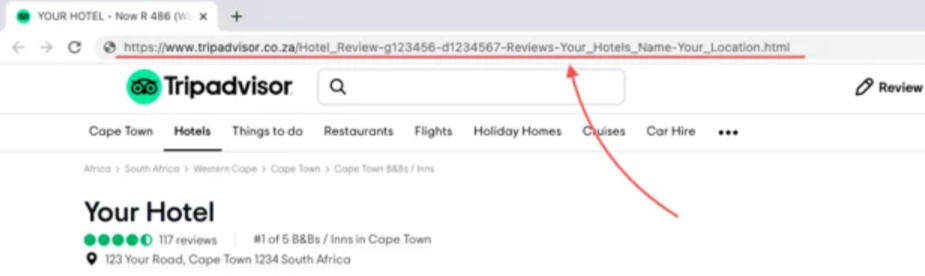
In your Referrizer account, follow the same steps as above and then paste your link under TripAdvisor and save your changes.
Note:
Your customers can now leave reviews on your TripAdvisor page (if that option is selected in your settings).