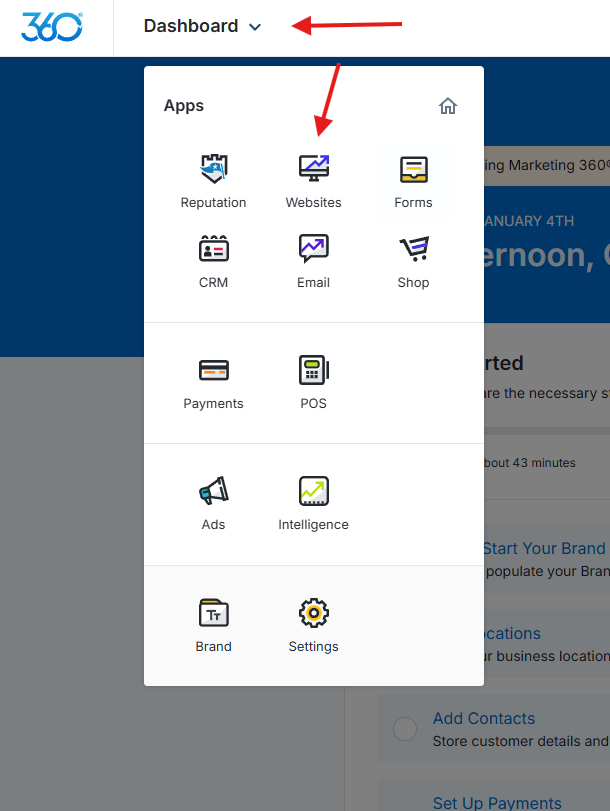
1. Log into your mywebsites360 account. You will arrive at your Dashboard. Click on Websites.
2. Go to Pages.
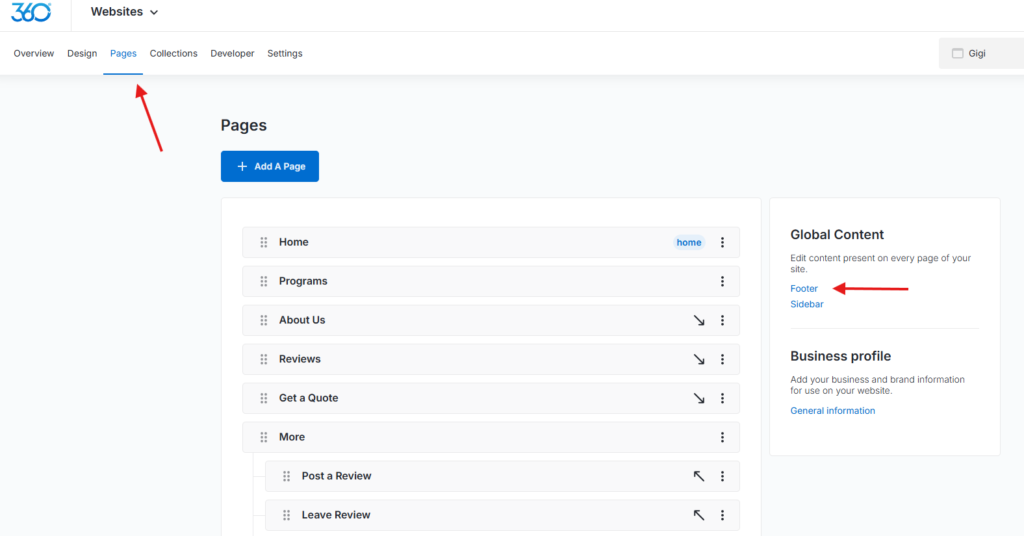
3. Click on the footer beneath Global Content.
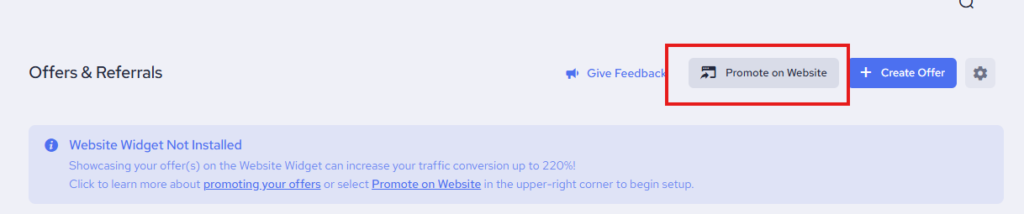
4. Access the code for your Pop-Ups by going to the Offers & Referrals section and clicking on Promote on Website.
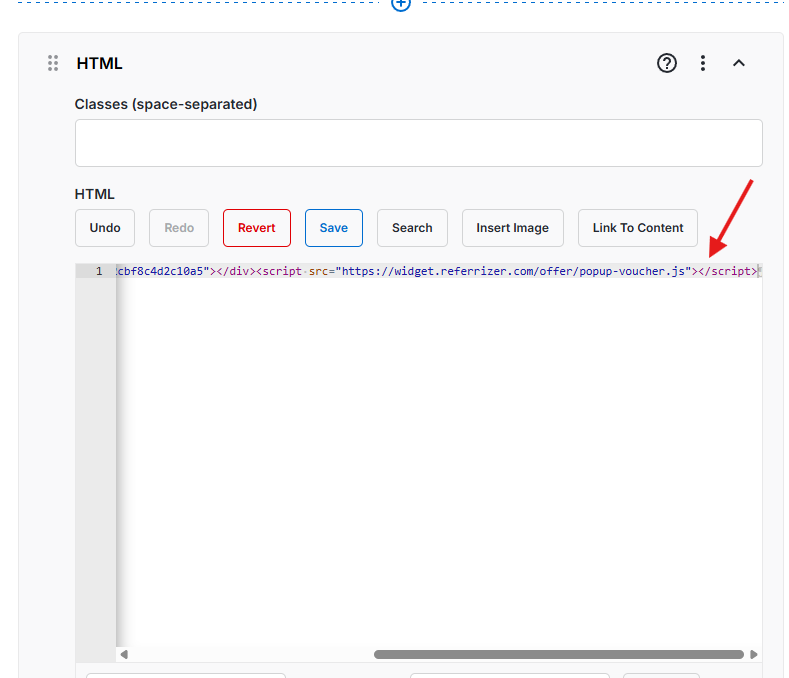
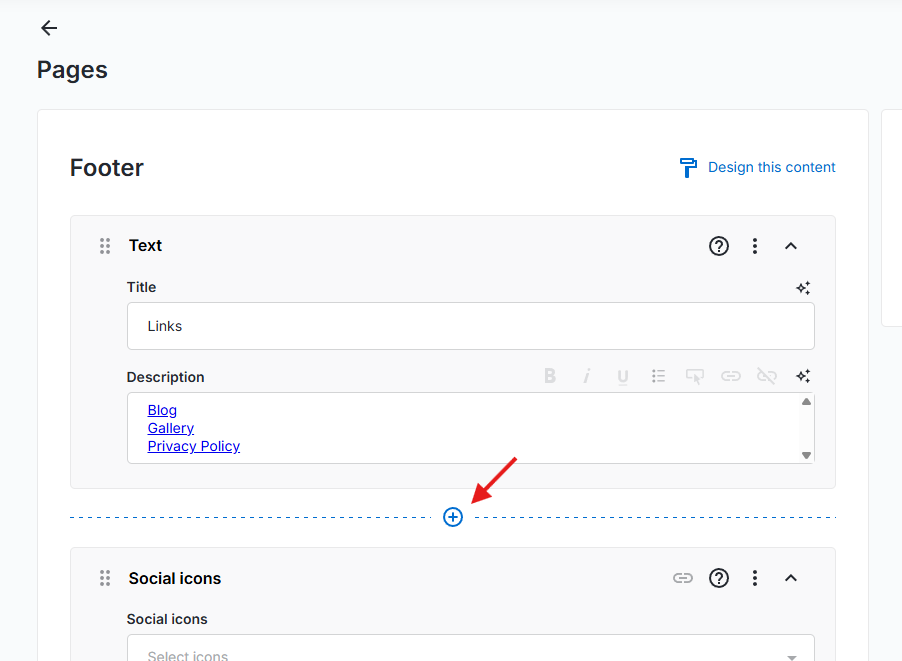
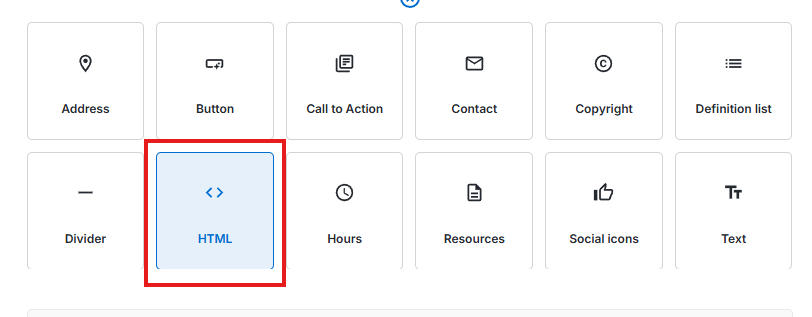
5. Add a HTML section in your Footer Global Content.
6. Paste the Pop-Up Widget code and save.