
The Buying cycle determines the expected time frame for your loyal customer to return to your business after a visit.
The default value is set to 90 days. You can change it by following the next steps:
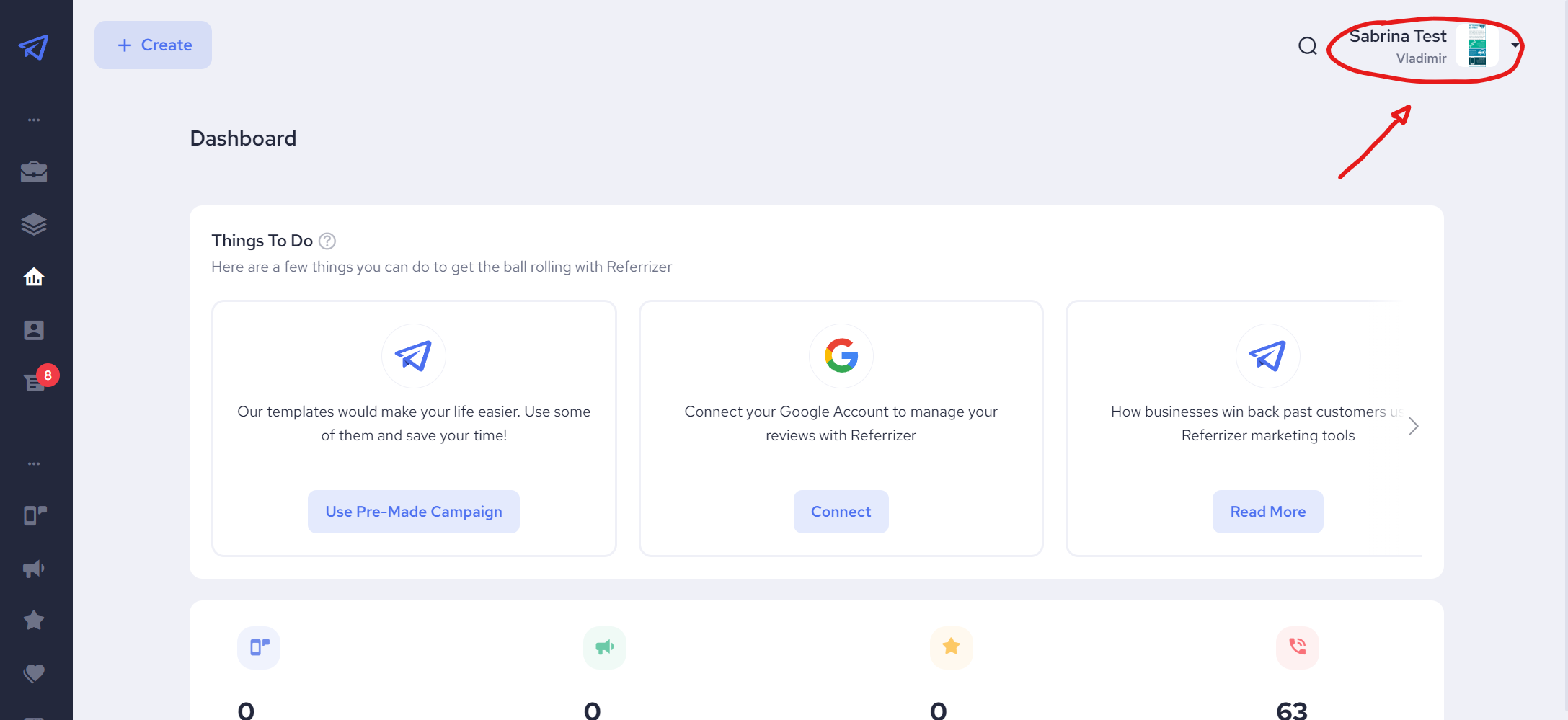
- Click on your account, found on the top-right side of the screen, to open up an account menu.
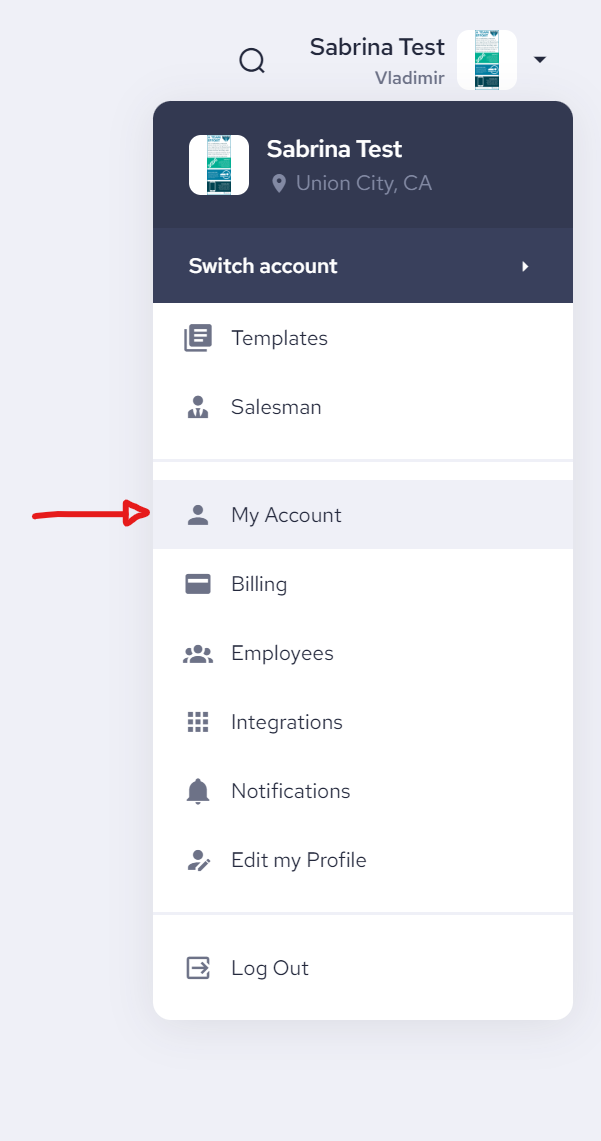
Select “My Account” – from the account menu.
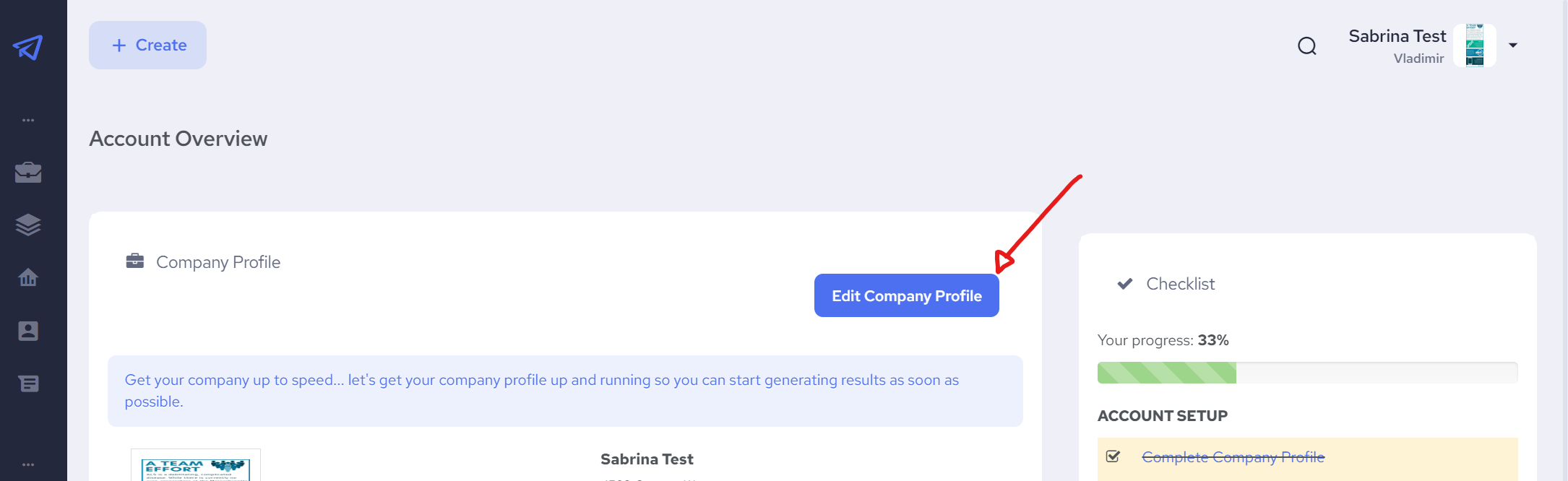
Click on the “Edit Company Profile” button
Scroll down to find the Buying Cycle property

- Click the “Save Changes” button – At the bottom of the screen