You can easily see how many contacts you have in the system, by navigating to Contacts in the left-hand menu:

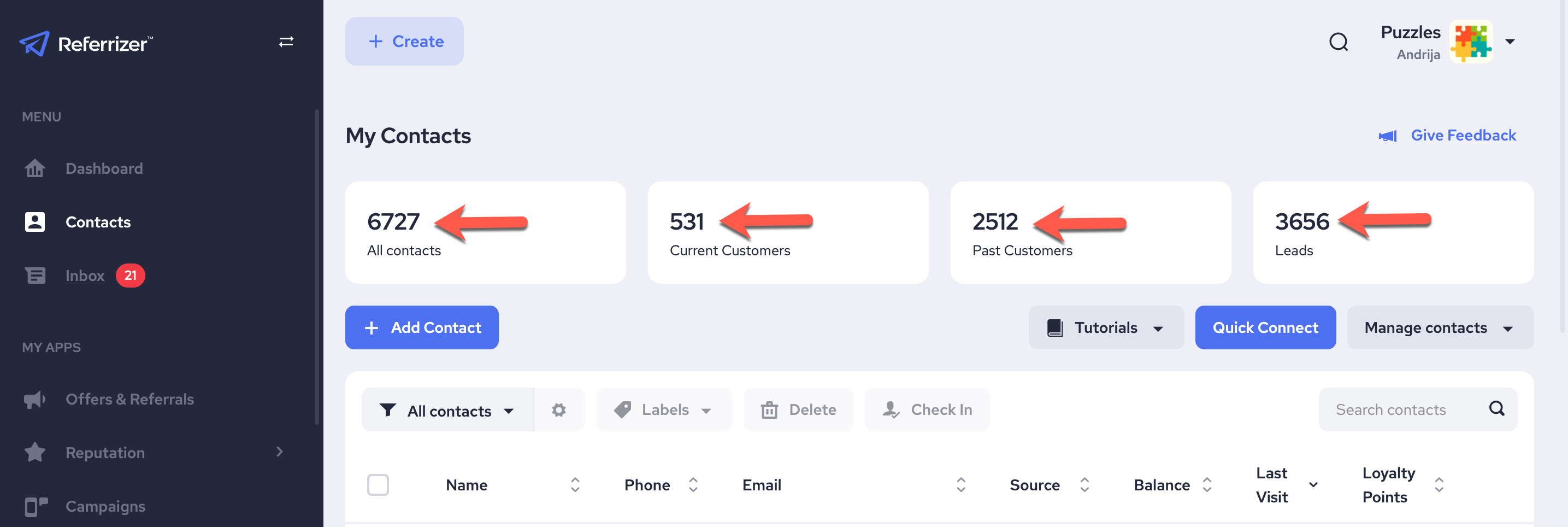
Then you will be able to see the following all at a glance:
1.All Contacts
2.Current Customers
3.Past Customers
4.Leads
Custom View:
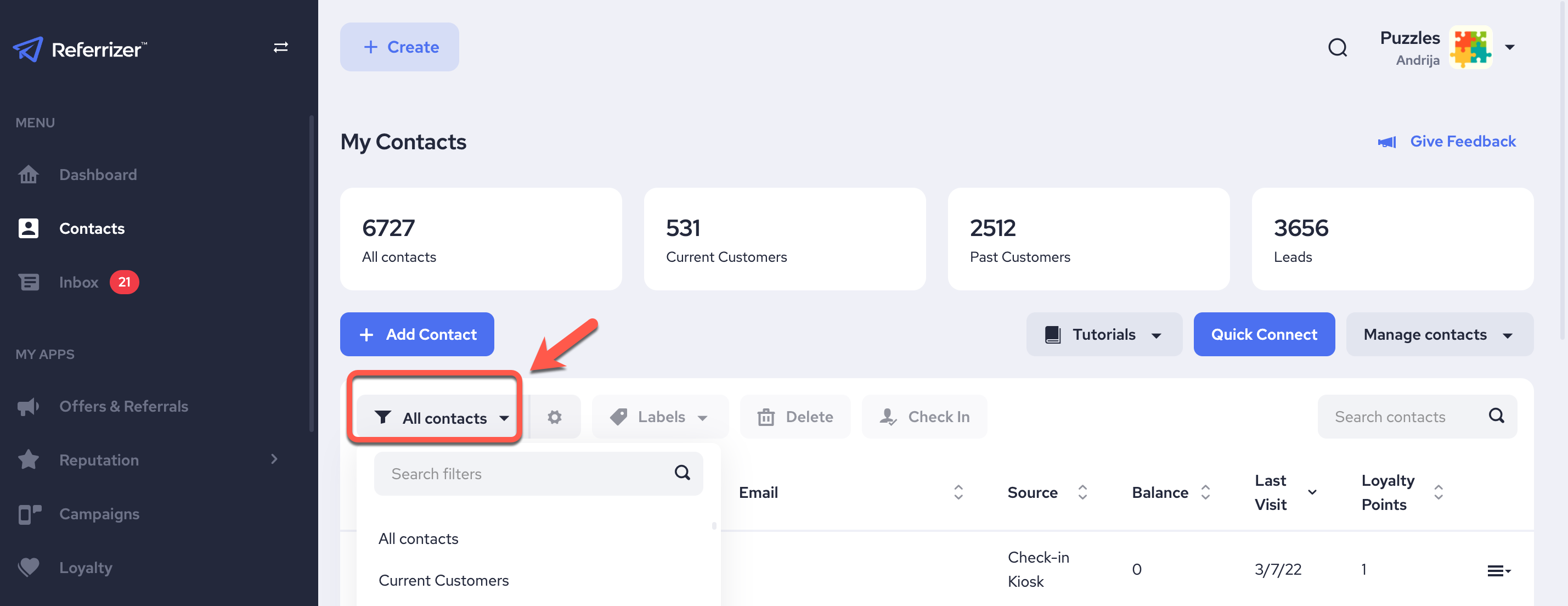
You can also see how many contacts you have in each custom view by selecting any custom view from the dropdown:
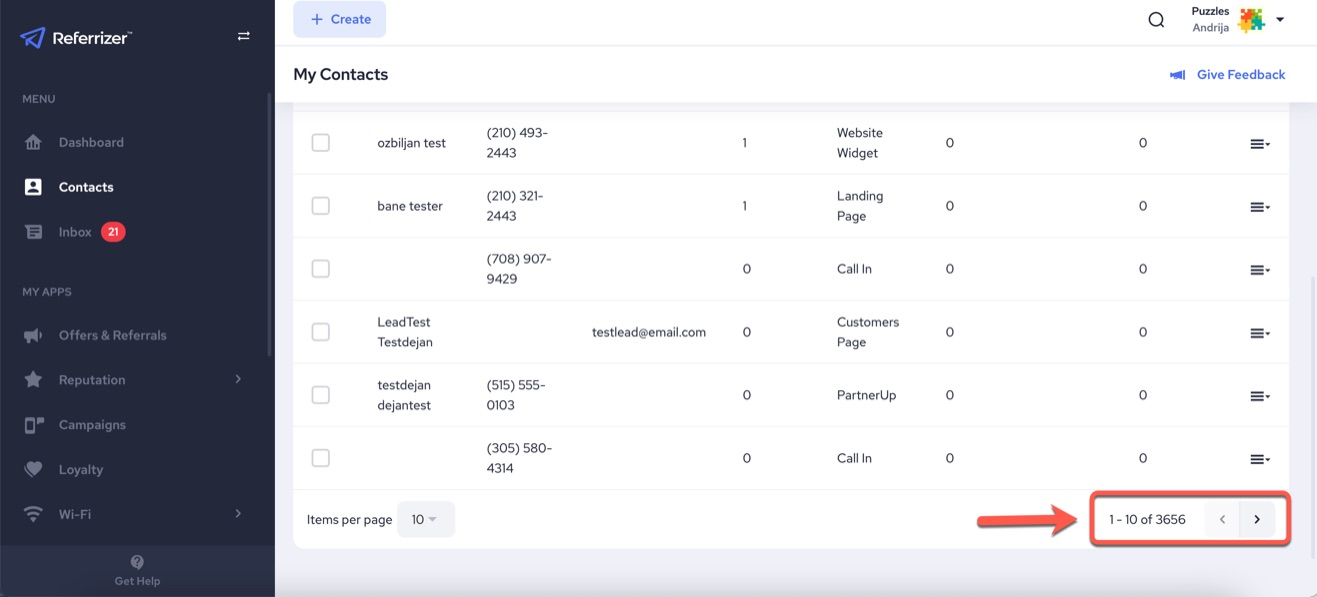
And then scrolling down and looking at the total on the bottom right.