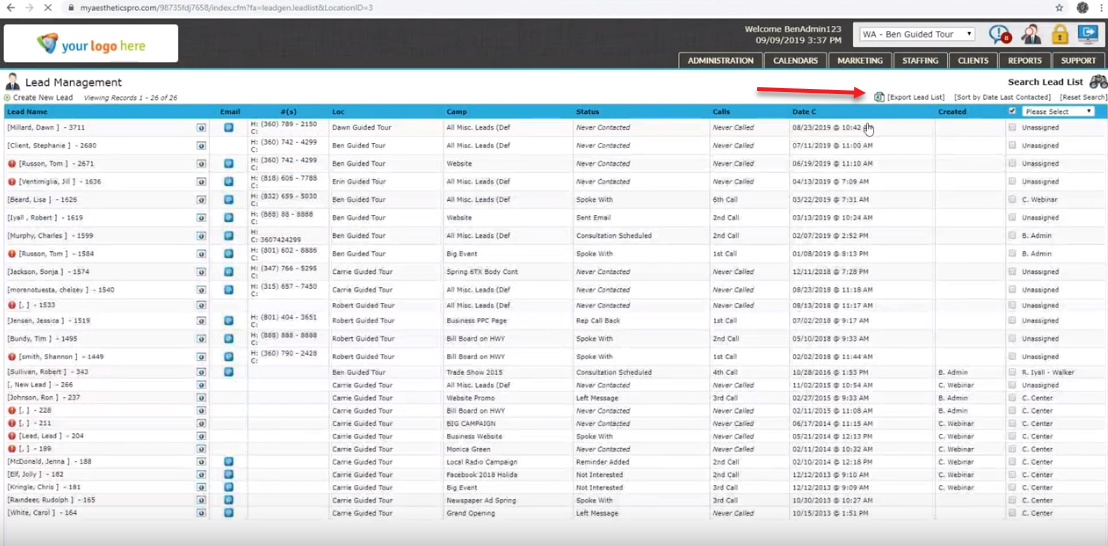
Paid Version
Step 1
Log into your Aesthetics Pro account
Step 2
Click on the Clients tab in the top right of your dashboard, then click Client List
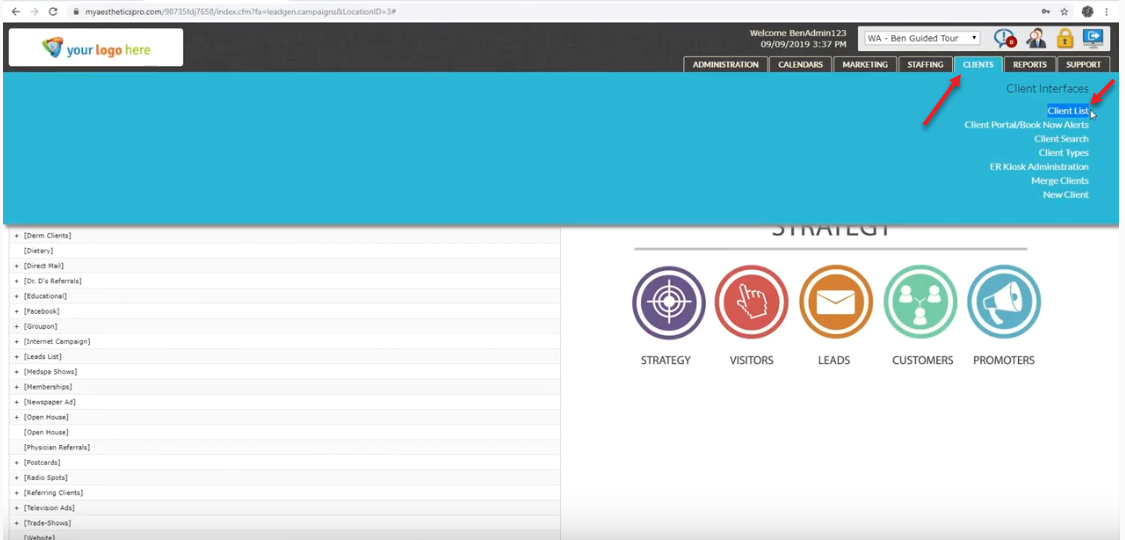
Step 3
Click Export List and a CSV file will be downloaded from Aesthetics Pro. You can then import this file into your Referrizer account.
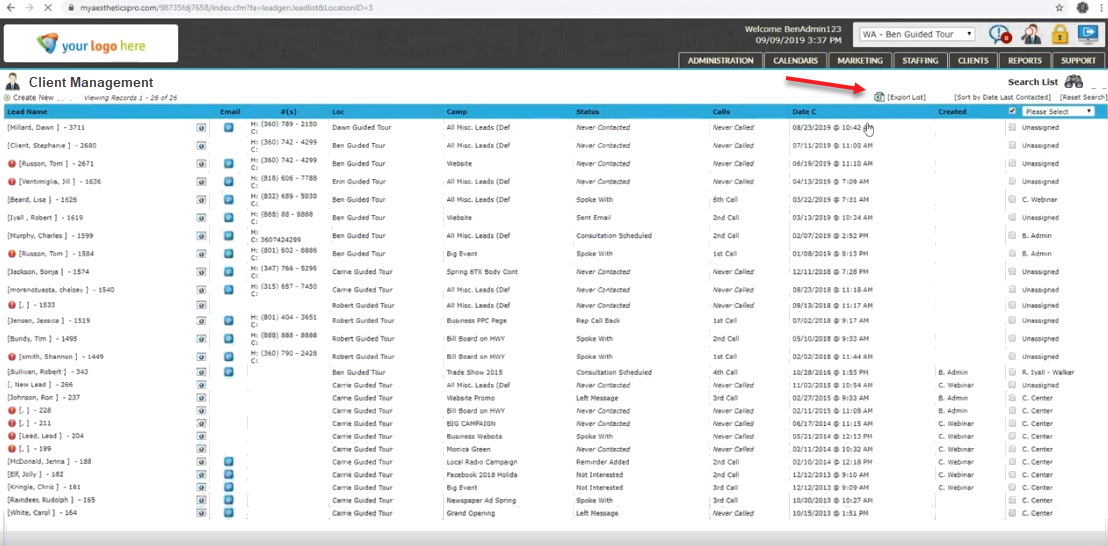
Free Version
Step 1
Log into your Aesthetics Pro account
Step 2
Click on the Marketing in the top right of your dashboard, then click Lead Management
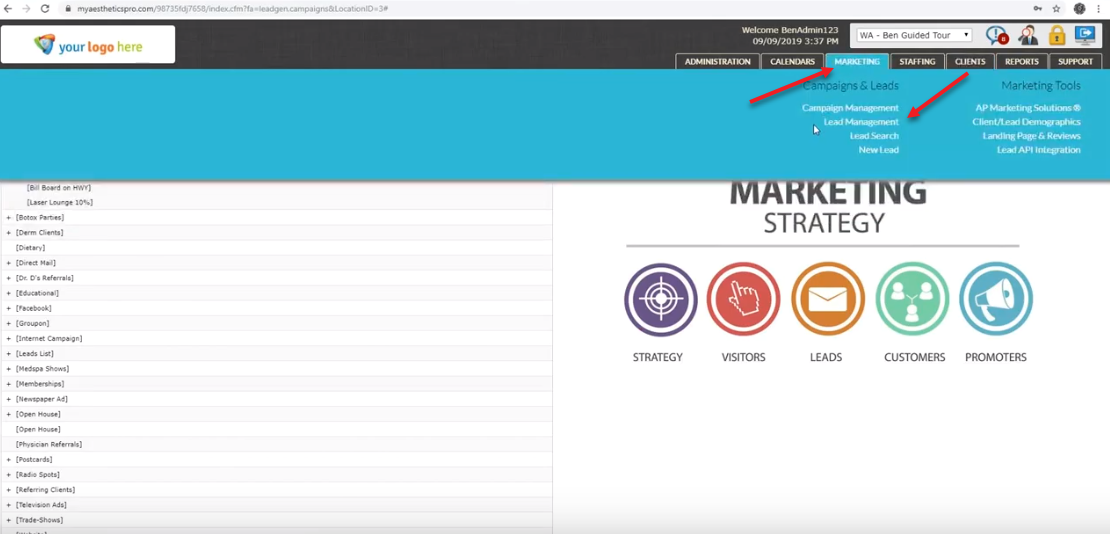
Step 3
Click Export Lead List and a CSV file will be downloaded from Aesthetics Pro. You can then import this file into your Referrizer account.