Step 1
Log into your MassageBook account
Step 2
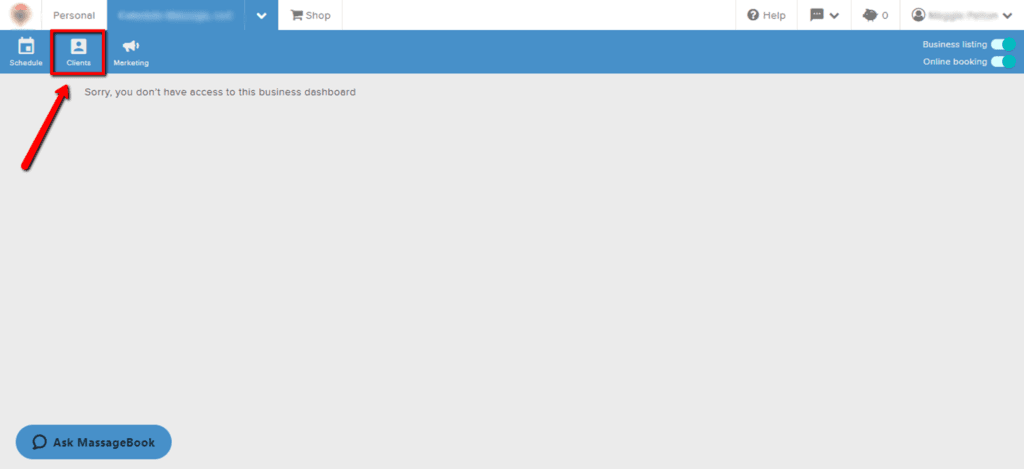
Click on Clients
Step 3
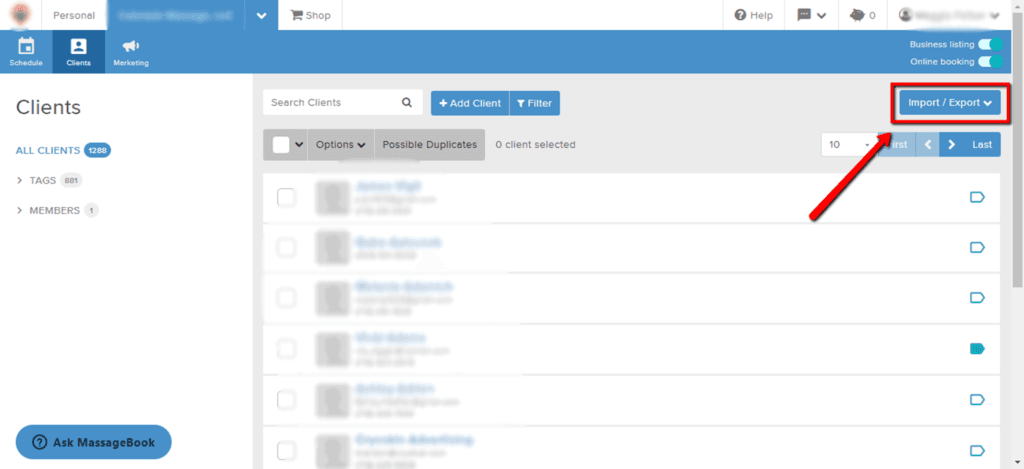
Select Import/Export in the top right corner to expand the menu
Step 4
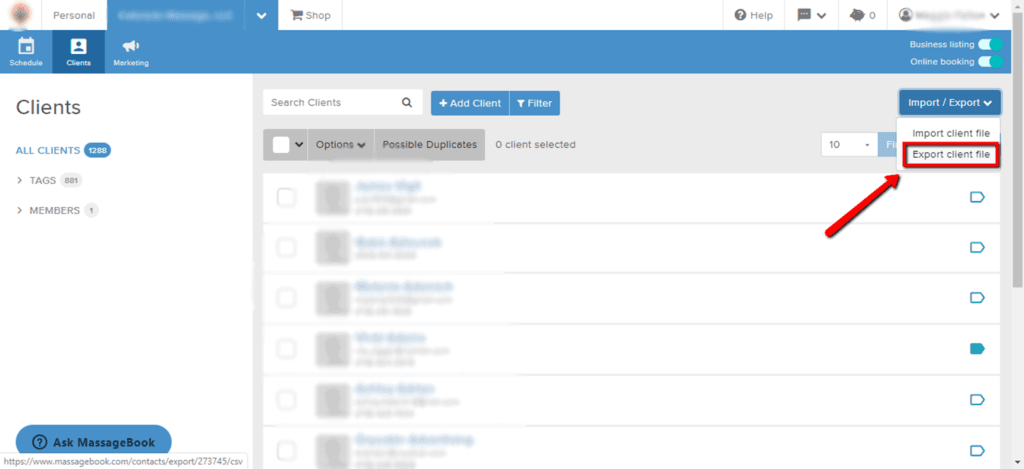
Select Export client file to download the file

Step 1
Log into your MassageBook account
Step 2
Click on Clients
Step 3
Select Import/Export in the top right corner to expand the menu
Step 4
Select Export client file to download the file