Step 1
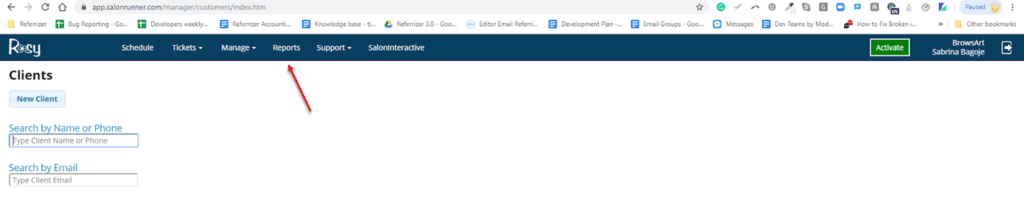
Log into your Rosy / Salon Runner account
Step 2
Click on Reports in the top menu
Step 3
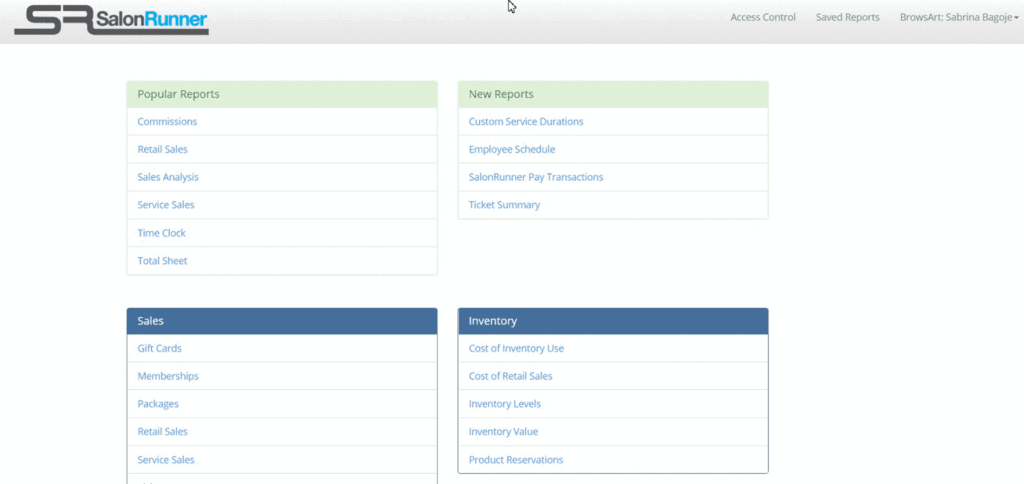
Scroll down to the General section and click on Clients
Step 4
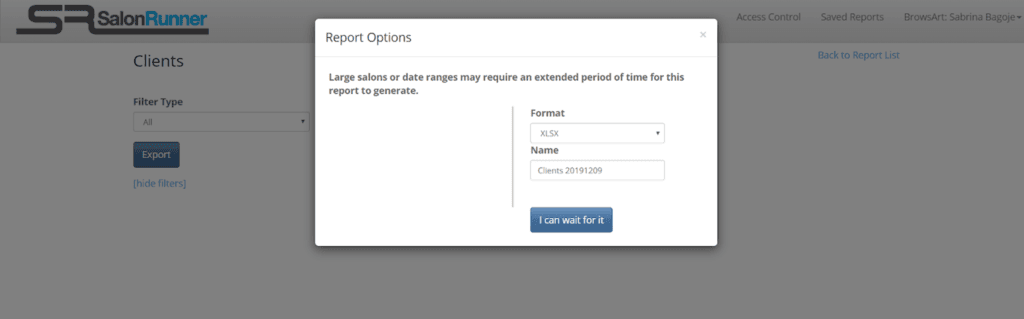
Select Export, choose format XLSX or CSV, give the file a name, then click the I can wait for it button
Step 5
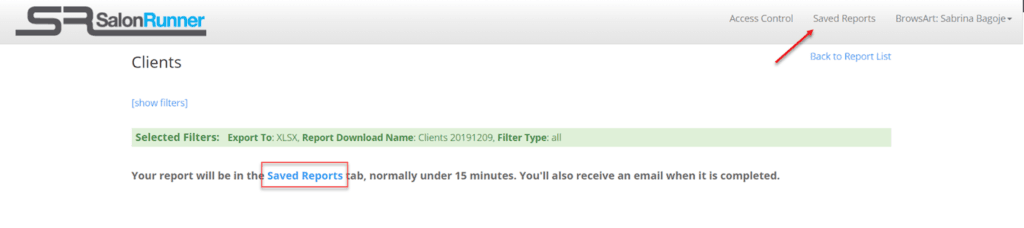
You will be sent the file in an email once it is ready or you can find it at any time by clicking on Saved Reports
Step 6
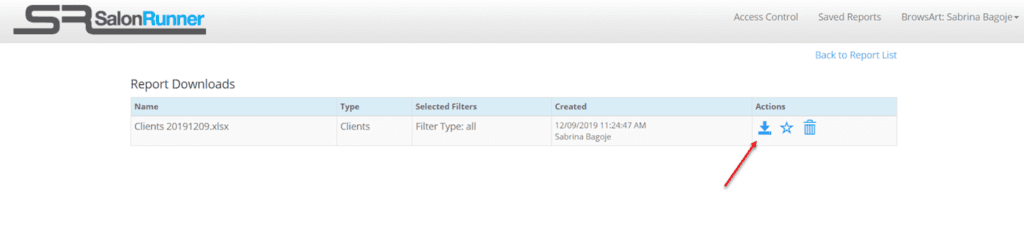
From the Saved Reports section, you can download the file to your computer (so that you can import it to Referrizer)
Note:
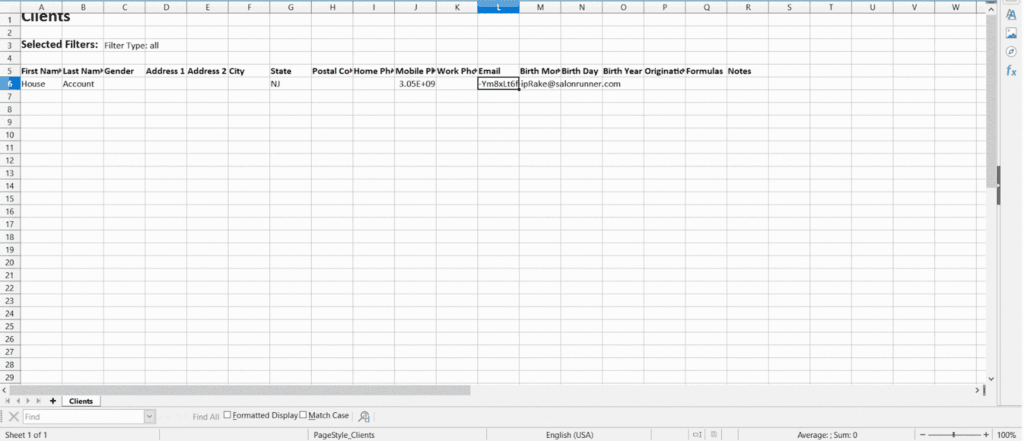
Files from Rosy typically have some header information. We recommend removing this info before attempting to import to Referrizer. Here is a quick demonstration: