
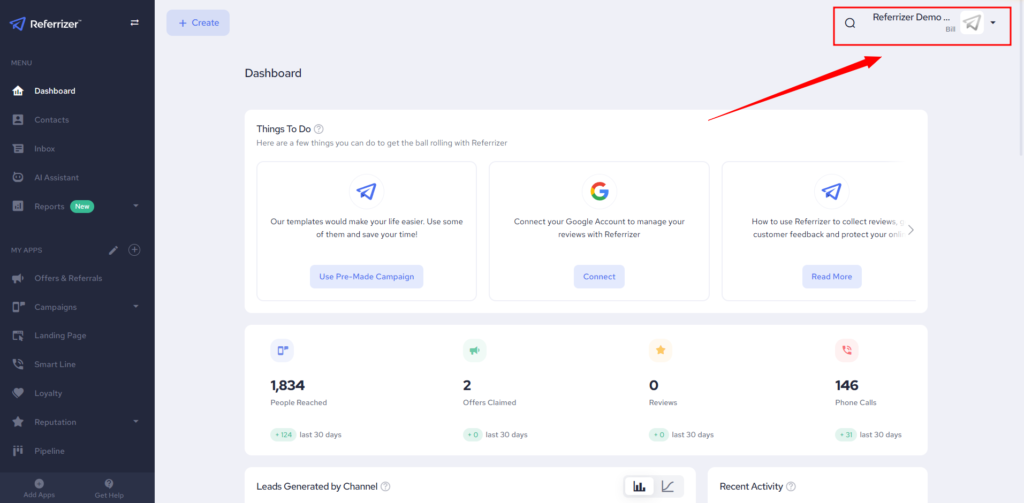
Click on your logo in the top right corner of the screen
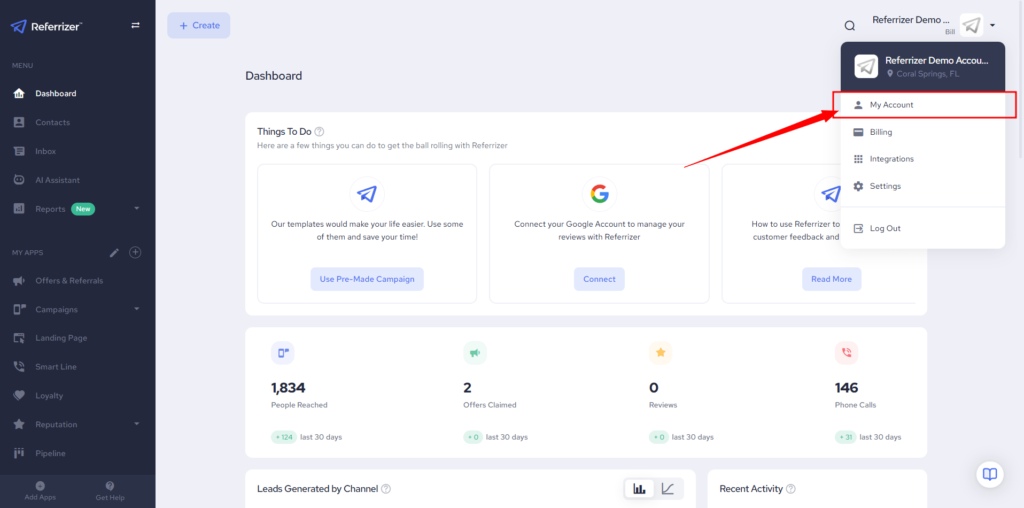
Click on “My Account”
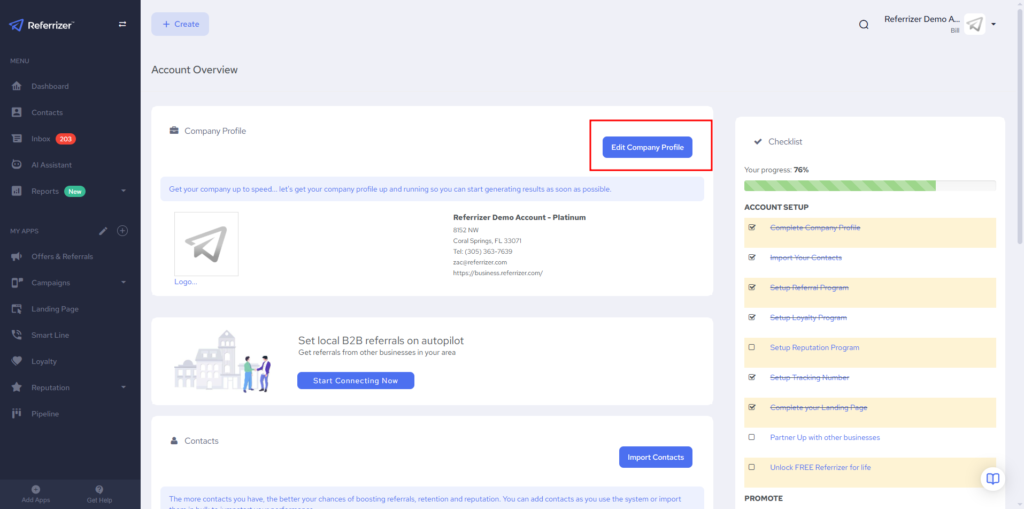
Click “Edit Company Profile”
Scroll down until you find the “E-mail” box
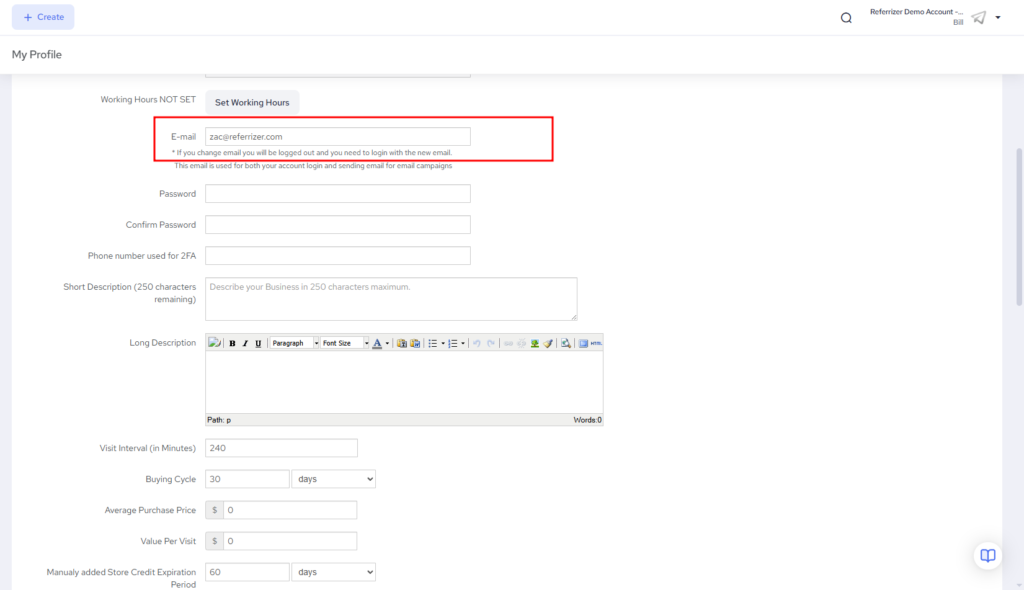
Enter your new email, then scroll down and click on the Save changes button.
If you change email make sure you inform account owner to use new email for login. This email is used for both your account login and sending email for email campaigns