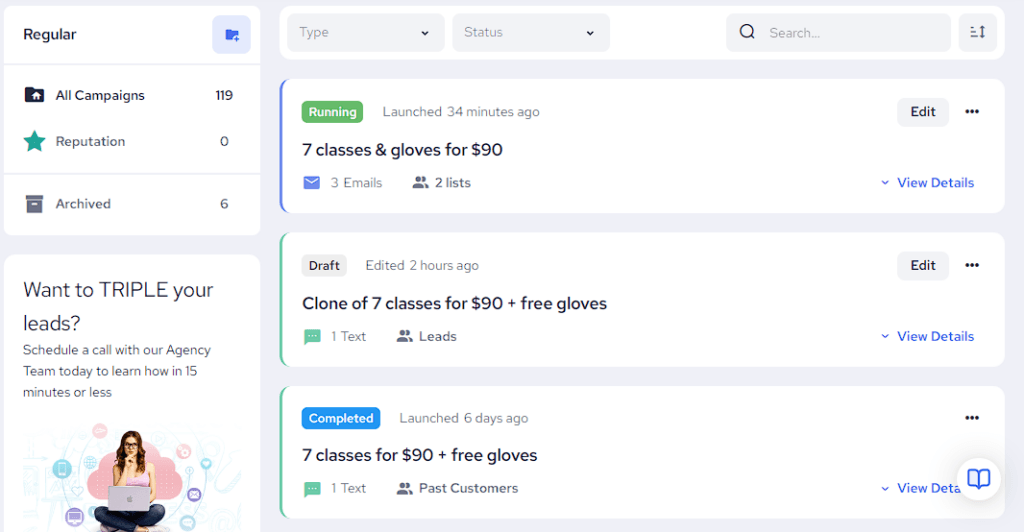
Email & Text Campaigns Combined
View all of your campaigns in one page!
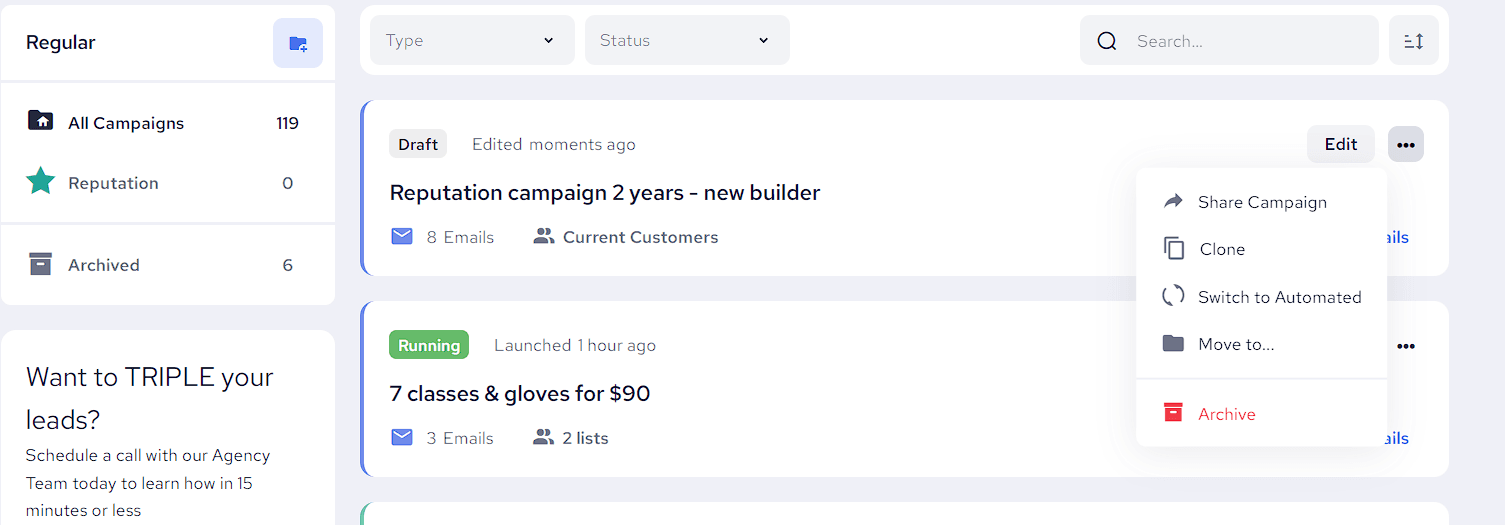
Filter, Sort & Search
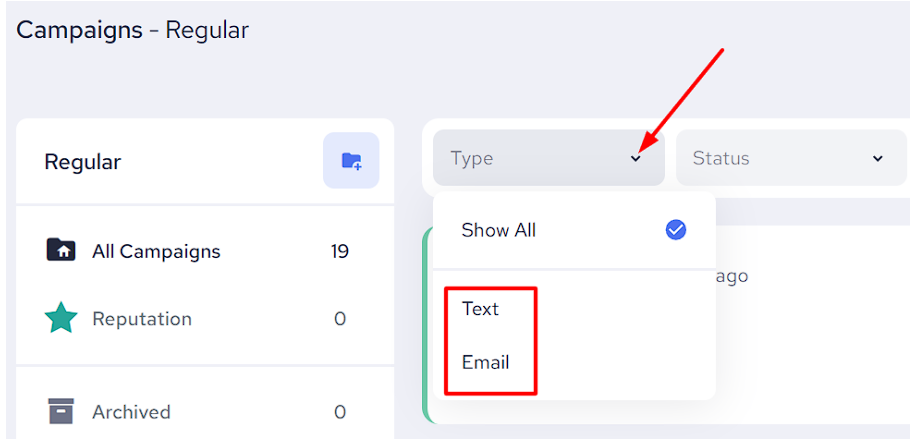
- Filter your campaigns by Type (email or text)
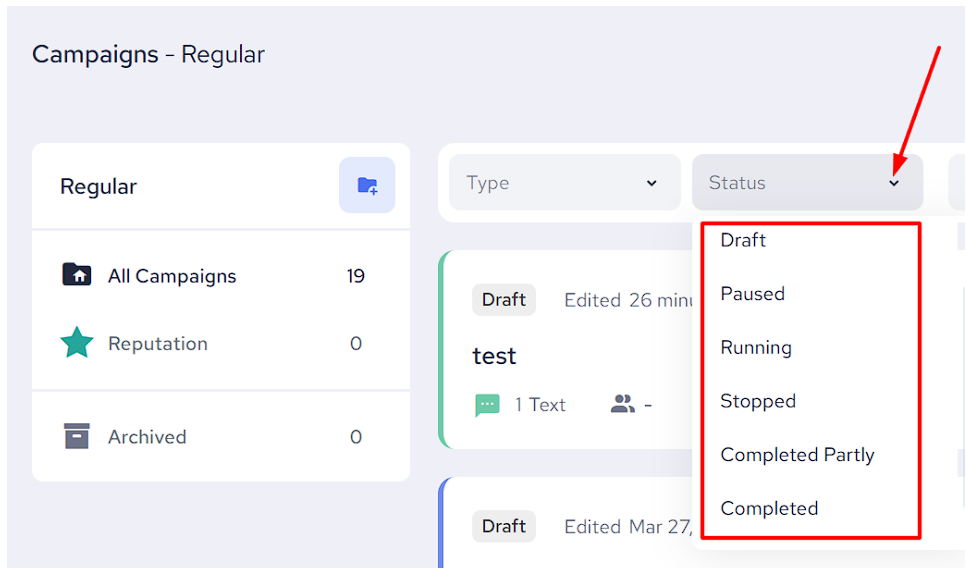
- Filter your campaigns by Status (draft, paused, running, etc.)
- Sort your campaigns by date modified or alphabetical order
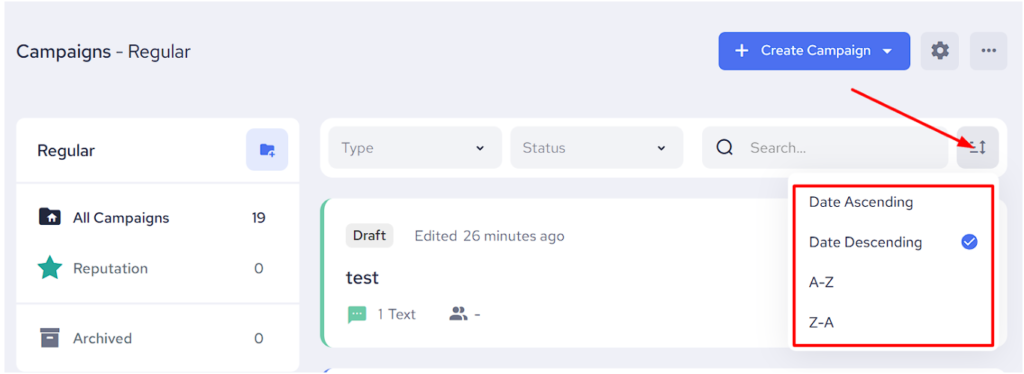
- Search for any campaign using Keywords
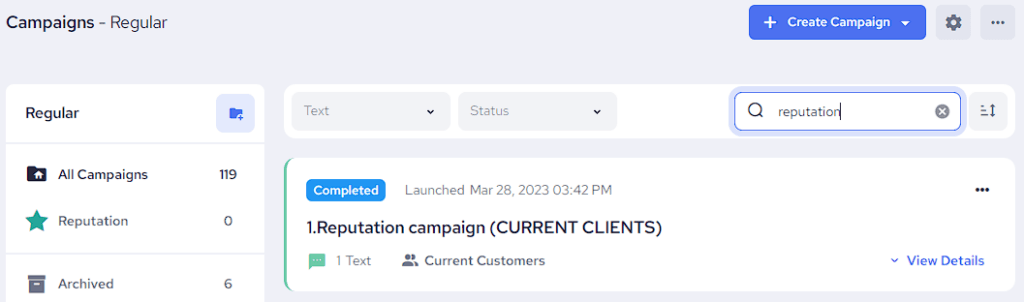
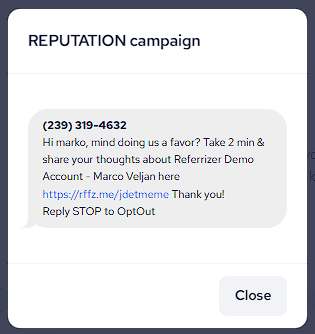
Preview
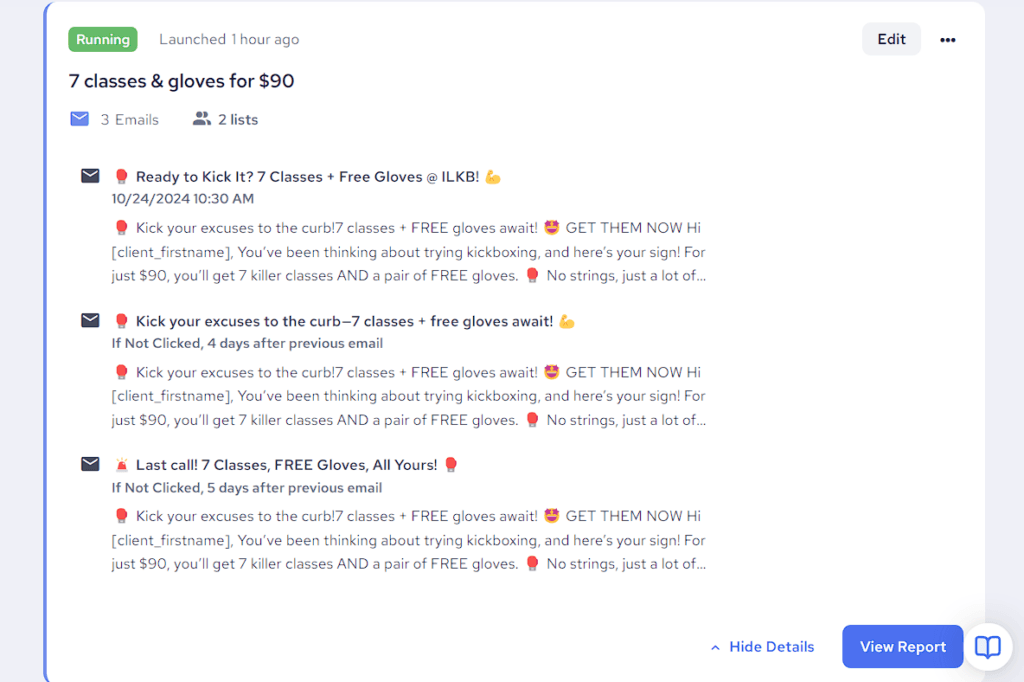
Preview your campaigns by clicking on them to see what your contacts will receive
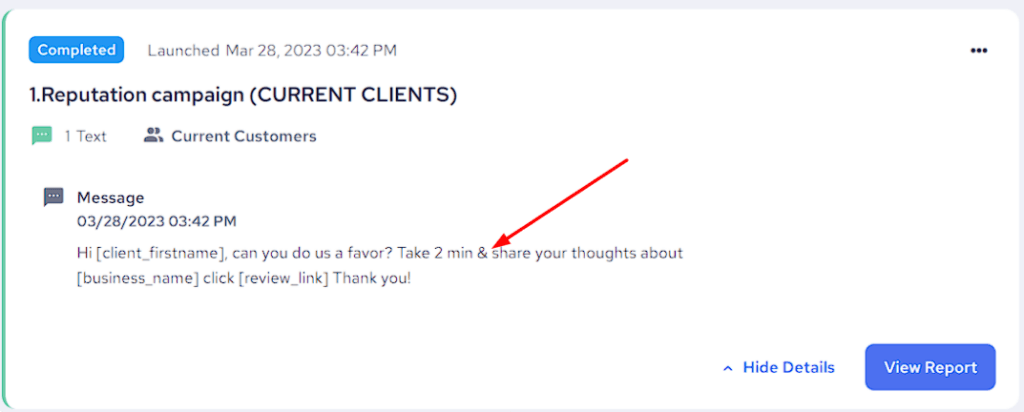
Action Buttons
- Edit a draft, paused or a running email campaign
- Pause/Resume/Stop a running campaign
- Share your campaign link with others
- Clone an existing campaign to your list (or ‘Clone to’ another account if you have a multi-account business)
- Switch a regular campaign to an automated one and vice versa
- Move a campaign to a specific folder
- Archive a campaign
Reports
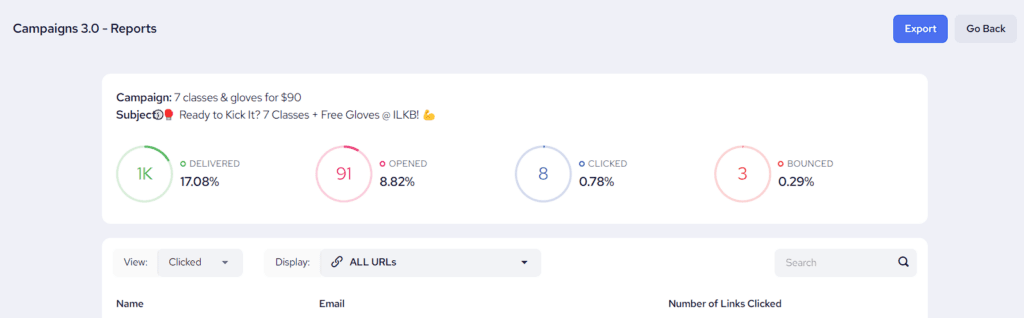
- View Quick and Detailed Reports from your campaign’s details.
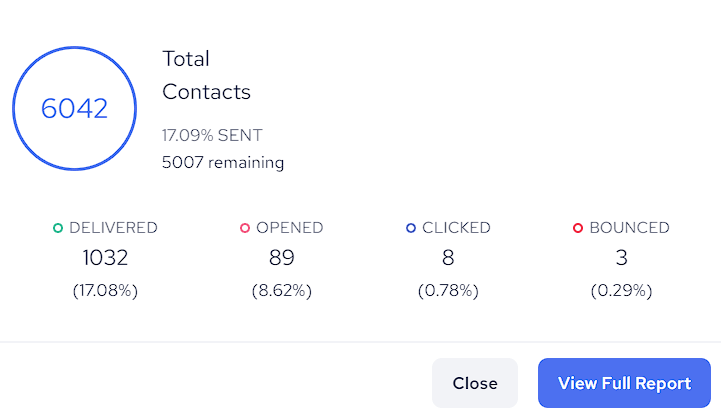
2. Click “View Full Report” to see a more detailed report.
3. Click on the Delivered/Opened/Clicked/Bounced links to check out these lists of contacts.
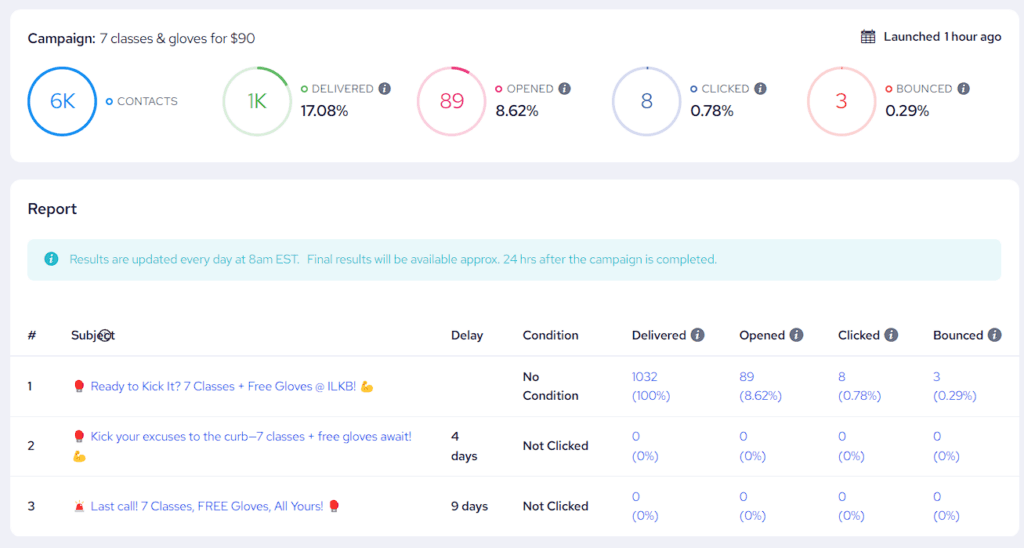
4. Export your preferred report to Excel.