
Zapier is a powerful automation platform that allows Referrizer to connect with over 8,500+ applications. Whether you are syncing simple marketing leads from Facebook or using Zapier as a Primary Booking Sync bridge for a custom CRM, this integration ensures your data remains in sync.
Referrizer’s Zapier integration operates via Triggers (sending data out of Referrizer) and Actions (pushing data into Referrizer).
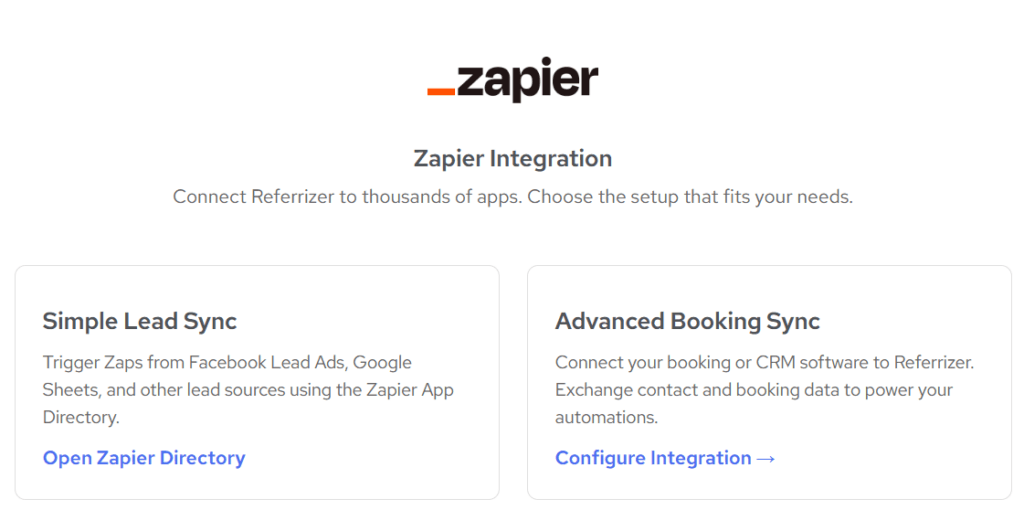
Simple Lead Sync (Marketing)
Click on the Simple Lead Sync block.
Best for: Facebook Lead Ads, Google Ads, or custom website forms. This is the standard setup for users who already have a native integration (like Mindbody or Clubready) but want to pull in leads from other marketing sources.
- Compatibility: Can run in parallel with any other native integration.
- Primary Function: Creates or updates contacts in Referrizer when a lead is captured elsewhere.
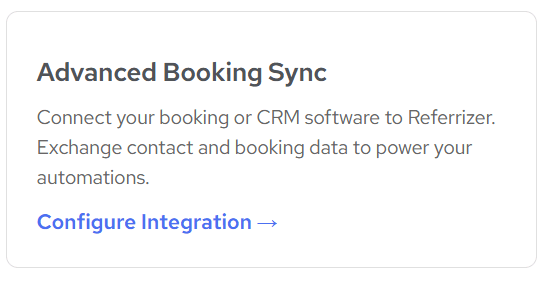
Advanced Booking Sync (The CRM Bridge)
Used when Referrizer does not have a native integration with your CRM.
- Compatibility: Restricted. You can not use this alongside native integrations (like Mindbody, Clubready, Acuity Scheduling etc) to avoid duplicate data.
- Primary Function: Acts as the main data source for Bookings, Memberships, and Purchases.
Technical Requirements & Logic
Click on Advanced Booking Sync block.
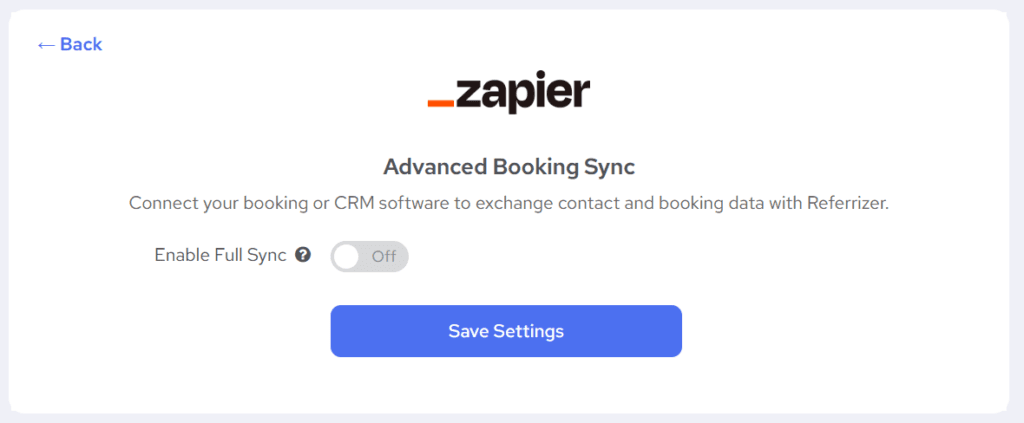
Switch the toggle Enable Full Sync ON.
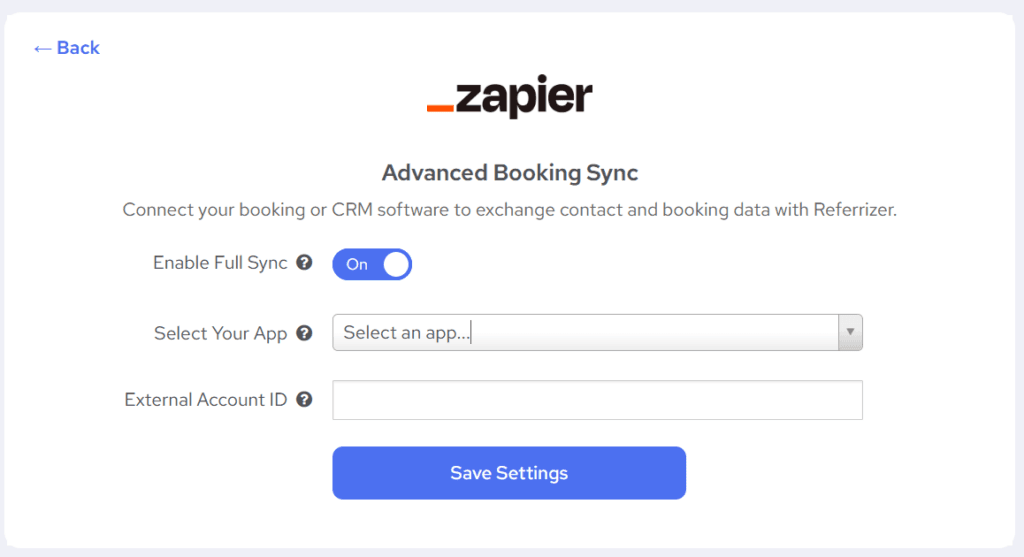
Then, select the App or CRM you want to connect via Zapier to Referrizer.
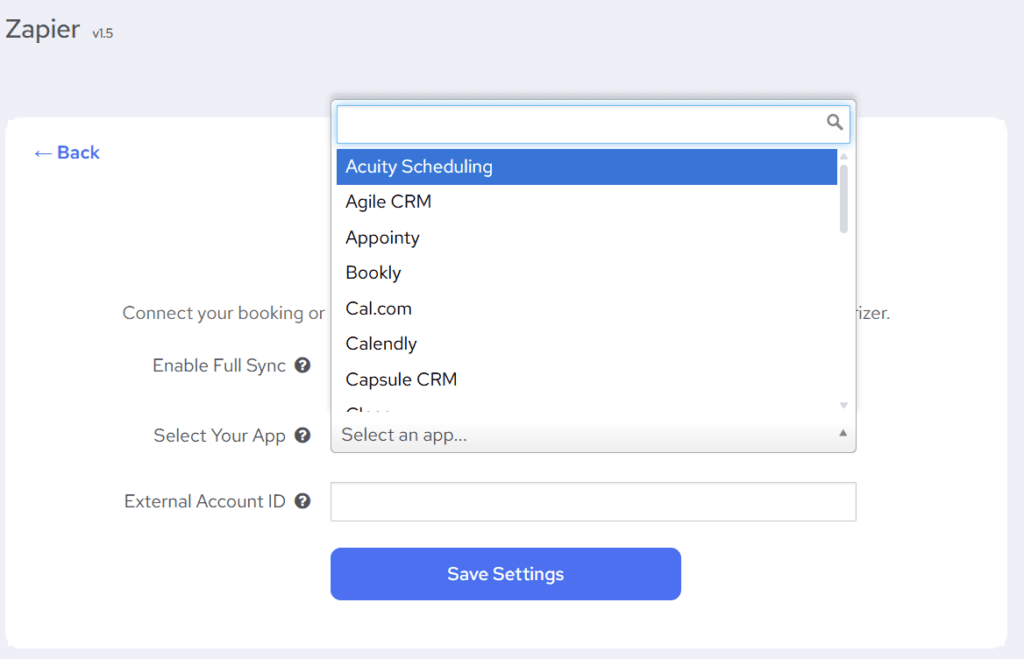
To ensure data integrity, the Advanced Booking Sync follows these rules:
- The “One Master” Rule: You can not have two primary scheduling integrations active at once. If you have Mindbody or Club Ready enabled, the “Booking Sync” option will be restricted.
- HQ Support: Multi-location businesses can use the Sub-location ID field to route data to specific accounts in Referrizer.
HQ (Multi-Location) Support
The Advanced Booking Sync integration type has it available, but for Simple Lead Sync, it may be available upon request.
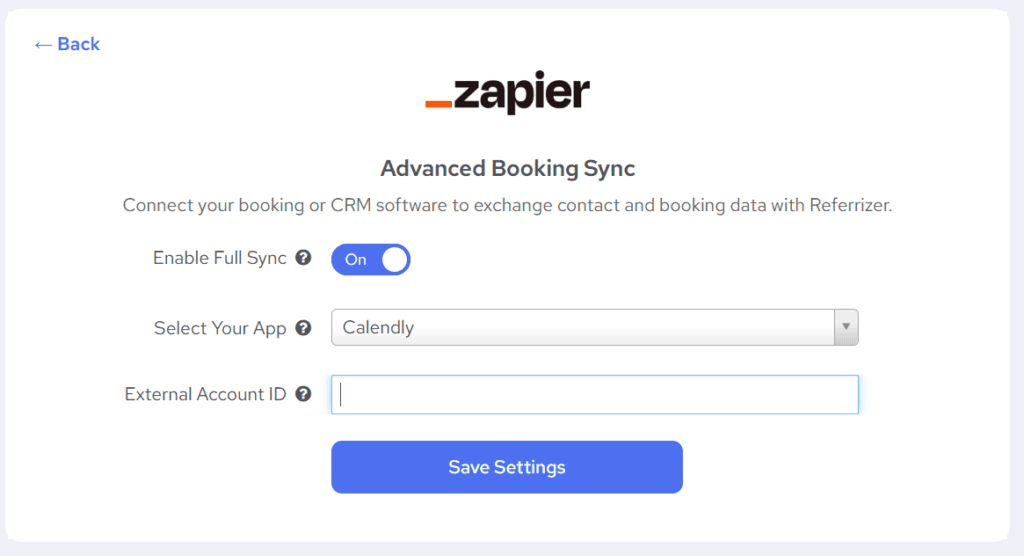
For multi-location accounts, the “Enable Full Sync“ toggle allows you to route data precisely. When enabled:
- The External Account ID field becomes visible.
- Referrizer uses this ID to route the Contact, Booking, Purchase or Membership data to the correct location.
- This is required for all HQ-enabled Zaps to prevent routing errors.
Setup & Authentication
To connect, you will need your Custom API Token, which can be found on the Referrizer Apps page. This token acts as a “Bearer” token to securely authorize every request between Zapier and your account.
Supported Triggers (Data out of Referrizer)
Triggers fire when specific events occur in Referrizer, allowing your other apps to react.
- New Contact: Fires when a new contact is created in Referrizer.
- New Visit (Check-in): Fires when a contact is checked in, creating a record in Referrizer. The system automatically embeds full contact details within the visit object.
Supported Actions (Data into Referrizer)
Actions allow Zapier to perform operations inside your Referrizer account. Supports “HQ Mode” for multi-location routing.
Full List Of Zapier Referrizer Integration Triggers & Actions!
| Action | Key Functionality |
| Create/Update Contact (Available for both types of integration) | Creates a new contact or updates an existing one. |
| Create/Update Booking (Available only for advanced booking sync) | Creates a new booking or updates an existing one. |
| Update Booking Group Status (Available only for advanced booking sync) | Updates the status of all bookings in a group. Throws error if booking is not found. |
| Create Purchase (Available only for advanced booking sync) | Creates a new purchase record |
| Create/Update Membership (Available only for advanced booking sync) | Creates a new membership or updates an existing one |
What’s supported
The list below provides a comprehensive reference of the data synchronization between Referrizer and Zapier. The following table outlines all data attributes that are synchronized between the two platforms.
Use this document to understand which specific data elements are transferred in this integration, helping you maximize the functionality of your connected systems. The table shows exactly which fields are supported and in which direction data flows.
Zapier to Referrizer
The following attributes are synced over to Referrizer from Zapier.
Contacts
| First name | Webhook support |
| Last name | Webhook support |
| Phone | Webhook support |
| Webhook support | |
| Address (Street) | N/A |
| Address (City) | N/A |
| Address (State) | N/A |
| Address (Zip) | N/A |
| Address (Country) | N/A |
| Gender | N/A |
| Birthday | Webhook support |
Subscriptions
| Email subscription | Webhook support |
| Text subscription | Webhook support |
Visits and bookings
| Number of visits | Webhook support |
| Checkins (visits) | Webhook support |
| Referred by | Webhook support |
| Appointments | Hourly, Webhook support |
| Services | N/A |
| Classes | N/A |
| Last Purchases Service/Item | Webhook support |
| Last Purchases Date | Webhook support |
| Last Booking Name | Webhook support |
| Last Booking Date | Webhook support |
| Last Visit Date | Webhook support |
| CRM Member (Y/N) | Webhook support |
| Membership Comments | N/A |
| Contract Start Date | N/A |
| Contract Name | N/A |
| Contract Expiry | N/A |
| Contract Ended | N/A |
Referrizer to Zapier
The following attributes are synced over to Zapier from Referrizer.
| First Name | N/A |
| Last Name | N/A |
| Phone | N/A |
| N/A | |
| Address (Street) | N/A |
| Address (City) | N/A |
| Address (State) | N/A |
| Address (Zip) | N/A |
| Address (Country) | N/A |
| Gender | N/A |
| Birthday | N/A |
| Tags | N/A |
| Email subscription | N/A |
| Text subscription | N/A |
| Input source | N/A |
| Referral type | N/A |